
Spring Cleaning Your Smart Home: Auditing Your Thermostat for Max Efficiency
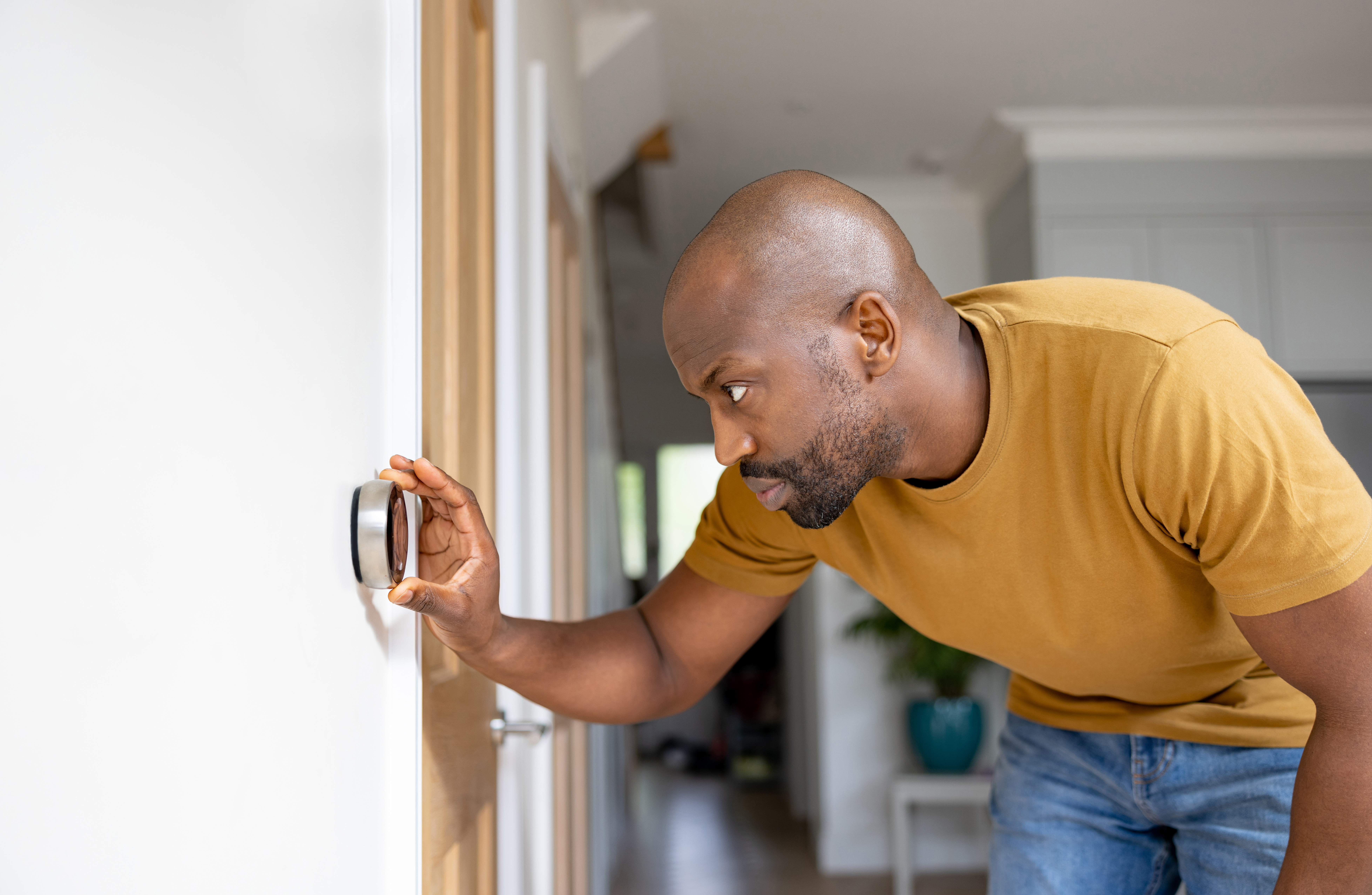
Many types of smart home technology, especially smart thermostats, are designed to make your home more convenient and energy efficient. Being able to remotely control your thermostat and HVAC system from your phone makes managing your home even easier. However, you also need to make sure that you’re using it correctly if you want to get the most out of the energy-saving benefits it can provide. In this article, we’ll look at the different steps in setting and auditing a smart thermostat to optimize it for maximum HVAC efficiency.
Adjust the Temperature Settings
As the weather starts to change, you should make sure to keep adjusting the thermostat based on the conditions. In places like California, you’ll often still need to run your heating overnight and in the early morning. However, you typically want to program the thermostat to reduce heating output before midday. If your heating runs too long during the day, your house could get so hot later in the afternoon that you potentially need to switch your AC on for a bit.
When it starts getting warmer outside later in the spring, you then want to set the thermostat so that your house stays sufficiently cool without your HVAC system using more energy than necessary. The general recommendation is to set the temperature to somewhere between 72 and 77 degrees when you’re home and program it so that the temperature automatically increases by three to five degrees around the time you normally leave for work in the morning.
One thing to consider when trying to optimize your thermostat settings to keep your energy bills as low as possible is whether your utility provider charges higher rates during peak usage hours. Programming the thermostat so that it switches to a higher temperature during the peak hours is an easy way to save money by reducing your energy usage during these times. Depending on what time the peak rates kick in, you may even want to set the temperature lower than normal a few hours before the peak time. This essentially allows your AC to pre-cool the house, resulting in it not coming back on until later during the peak usage period or potentially not needing to run at all. With evolving energy pricing models in 2026, including time-of-use rates, adjusting your thermostat schedule around peak pricing periods can make a noticeable difference in overall energy costs.
Check That the Thermostat Is Reading the Correct Temperature
Many homeowners report issues with their smart thermostat registering a higher temperature than it actually is. If the thermostat thinks your house is warmer, your air conditioning will run more than it normally would if the thermostat registered the correct temperature. That means your energy bills will be higher than necessary. You can avoid this by determining how many degrees the thermostat is off by and then just setting it that much higher. However, your AC may still run more than needed whenever the thermostat automatically adjusts the temperature setting on its own. The much better solution is to try and determine what is causing the thermostat to register a higher temperature and then take the appropriate steps to fix the problem.
The first step is to check how accurate the temperature reading is. You can easily do this by holding the probe of an instant-read kitchen thermometer next to the thermostat or using an infrared thermometer on the wall next to it. A temperature difference of one to two degrees isn’t a major problem, but anything above that will result in you paying more to cool your house than necessary.
There are three primary issues that typically result in a smart thermostat registering a higher temperature. If the thermostat is in a location where it ever receives direct sunlight, it will always think the house is hotter than it really is whenever the sun is shining on it. The only way to fix this problem is to relocate the unit to a place that doesn’t receive sunlight.
Dust on the temperature sensors is another common issue. The dust essentially insulates the sensor, preventing air from directly reaching it and interfering with its ability to read the correct temperature. This is something you can easily fix by taking the cover off and then gently cleaning the inside with a soft cloth or a can of compressed air.
The other issue you can encounter is warm air flowing up through the wall and hitting the thermostat. This is mostly a concern if the hole where the wires stick through the wall isn’t properly sealed or insulated. Adding insulation to the hole or caulking around the wires may fix the problem, but the better solution is to consult with a professional just to be safe.
Make Sure the Thermostat Is Synced With Other Smart Home Devices
Syncing your smart thermostat to other smart devices provides numerous benefits. If you have a smart home hub, you can then control the thermostat using voice commands instead of the app. The biggest benefit is syncing the thermostat to devices like interior cameras, motion sensors and door sensors.
Many newer smart thermostats have learning capabilities. The motion sensor in the thermostat itself allows it to detect behavior patterns over time and eventually learn the times when people are typically home and awake and when the house is normally unoccupied or everyone is asleep. It then inputs this information into an algorithm, allowing it to adjust the temperature settings on its own. That means it starts automatically keeping the temperature higher when no one is usually home to conserve energy by reducing how much the AC runs. It then switches back to your normal temperature setting an hour or so before everyone gets back home to ensure the house isn’t too hot.
By syncing the thermostat to your other smart devices, it can detect your household’s behavior patterns and daily routines more quickly and accurately than if it has to rely solely on its internal motion sensor. This allows it to better optimize the temperature settings to conserve energy without noticeably impacting your comfort level.
Monitor Energy Usage
Most newer smart thermostats have an in-app feature that lets you see how many hours your HVAC system has run for during the past day, week and month and estimates its total energy usage over these times. This feature is extremely useful for determining what temperature settings provide the greatest balance between energy savings and comfort. By making minor adjustments like turning the temperature up or down by a few degrees or changing the times when the temperature automatically changes, you can quickly see how the settings affect your energy usage. On most units, the energy monitoring feature also provides you with tips on changes you can make to help your HVAC system work more efficiently and reduce your energy bills.
Lower Energy Bills and Enhance Comfort Today
Since 2001, Air Max HVAC has been providing leading cooling and heating services in Burbank and the surrounding areas. From smart thermostat installation to AC maintenance and repairs, we have the expert solutions to ensure effective cooling performance and lower energy bills. We’re committed to providing quality work and outstanding customer service, and you can count on our team to reliably see to all of your indoor comfort needs. To schedule a service call or HVAC inspection, contact us today.